
TuneMobie
Audio

Video
Download

Support
Tips & Tricks


Store

TuneMobie Spotify Music Converter
Convert Spotify to MP3
without Premium
- • Download Spotify Tracks, Album, Playlists, and Podcasts
- • Lossless Convert Spotify songs to MP3/WAV/M4A/FLAC
- • 100% Original Audio with ID3 Tags, Lyrics, and Cover Art kept
- • Integrated Spotify Web Player for Seamless Navigation

Free Download

Buy Now


Note: TuneMobie Spotify Music Converter is only available for personal use.
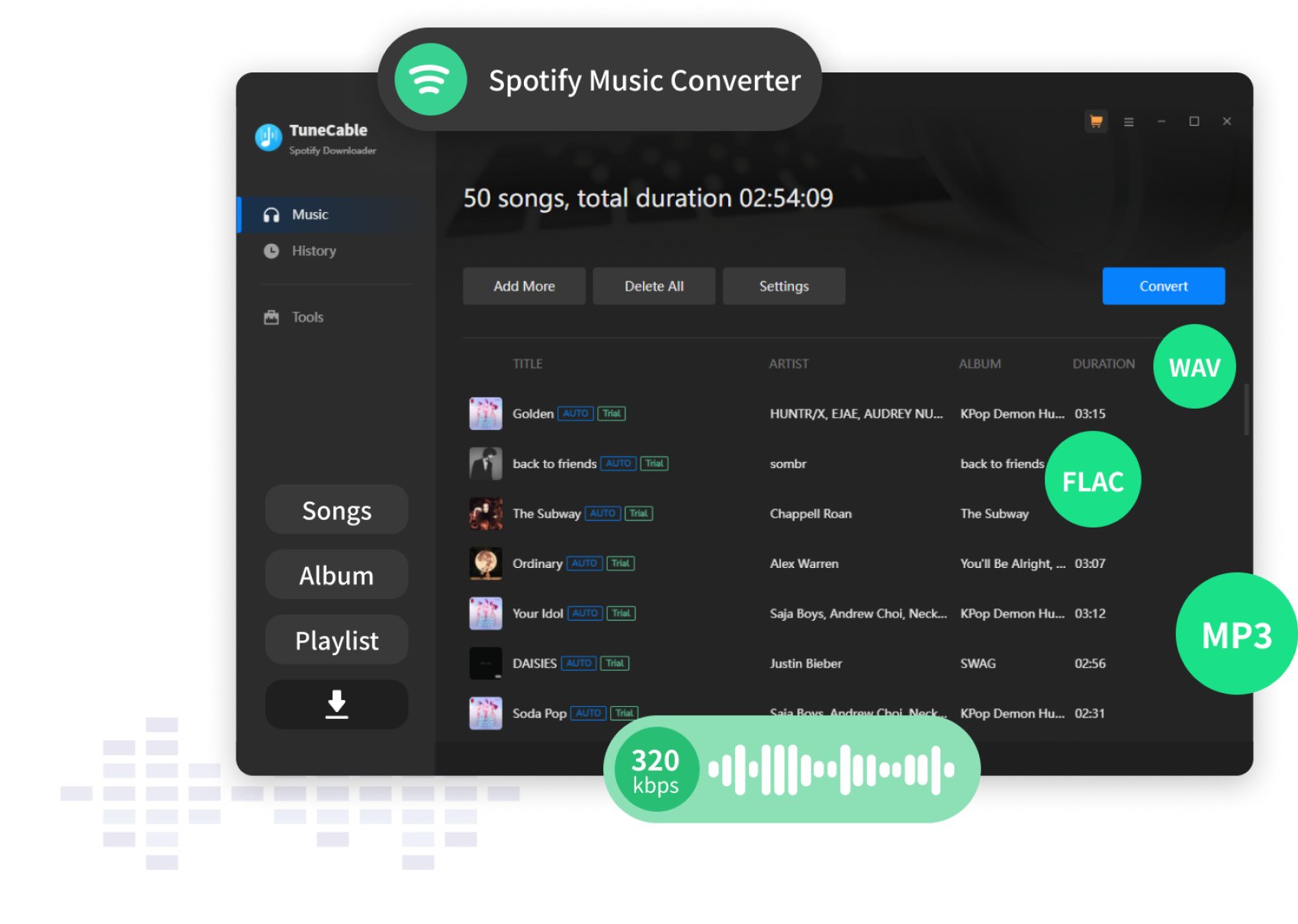
Listen and Share Spotify Songs More Flexibly, More Widely

Download Spotify Music without Premium

Convert Spotify to
MP3/FLAC/WAV/M4A

Built-in Spotify Web
Player

Original Sound Quality
& ID3 Tags

20X Faster Speed with
Batch Download
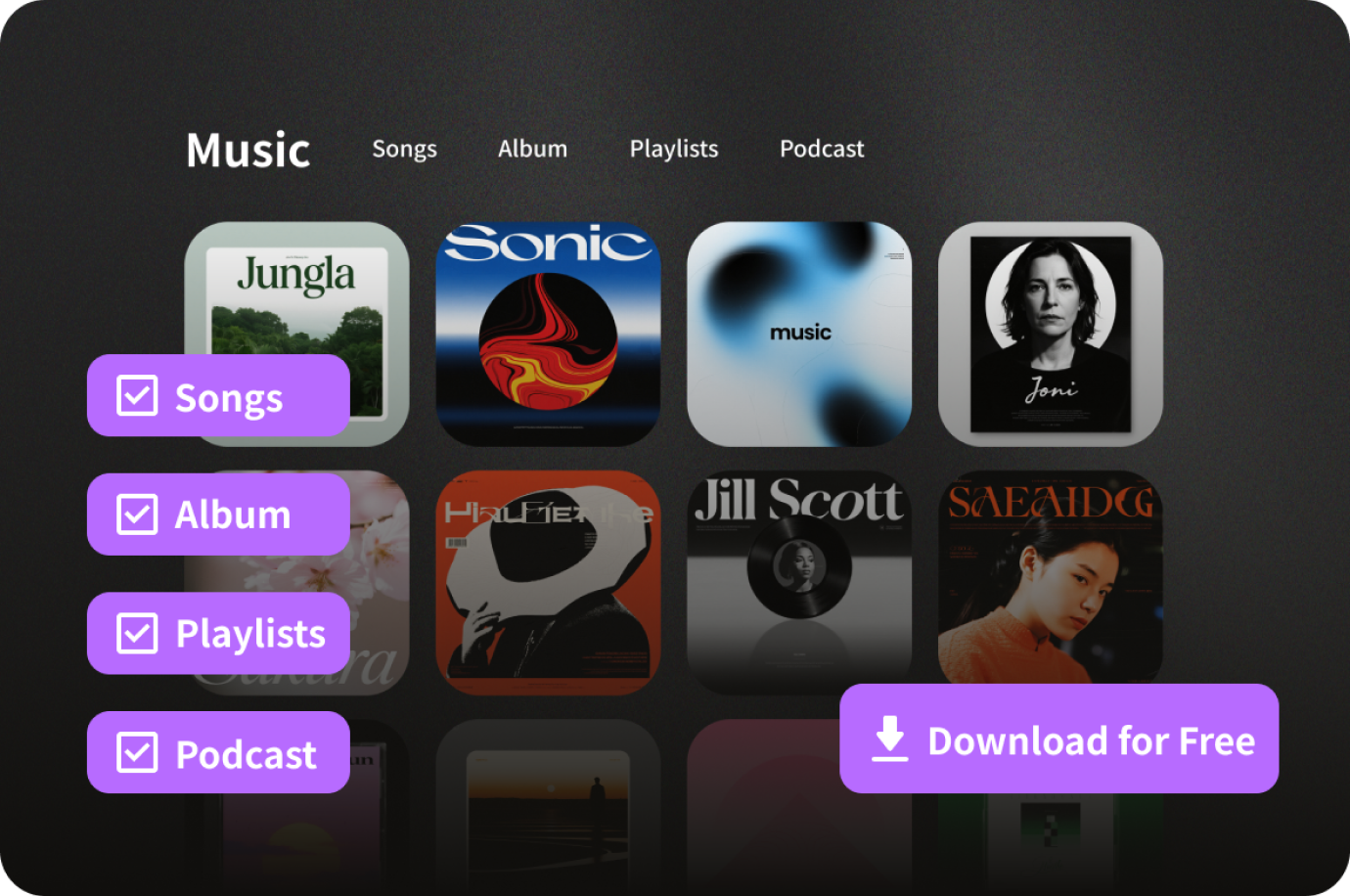
Download Spotify Songs, Playlist, Albums, Playlists and Podcasts for Free
Effortlessly download any Spotify songs, playlist, albums or podcast without a Premium subscription and keep your downloads forever. Simply log into your Free or Premium Spotify account to batch download unlimited tracks for offline listening anywhere you go.

Download from both Spotify Free and Premium accounts

Download ad-free singles, full albums, podcasts

Keep downloads forever even after canceling Premium

Download unlimited tracks for offline listening
Free Download
How to Use Download and Convert Spotify Music with TuneMobie
Step 1: Sign in Spotify Web Player
Launch TuneMobie Spotify Music Converter and sign in built-in Spotify web player. Default output format is Auto option (256kpbs M4A), click Options button to change output format, and change output settings if necessary.
Step 2: Add an Album or a Playlist
Browse built-in Spotify web player, open the detailed page of your favorite album or playlist, move to the button on middle right, then click "Add to List" to add the album or the playlist to conversion list.
Step 3: Start conversion
Click "Convert" button to start converting Spotify songs to MP3, M4A, WAV or FLAC format. The conversion speed is up to 20X faster.
Free Download
Why TuneMobie? See What Our Users Say

If you are an Apple Music user and wish to use its songs on some unsupported devices or want to set them as background music in your favourite videos or as ringtone, you should give TuneMobie Apple Music Converter a serious look.


Vardan
Content Creator
If you are an Apple Music user and wish to use its songs on some unsupported devices or want to set them as background music in your favourite videos or as ringtone, you should give TuneMobie Apple Music Converter a serious look.

Vardan
Content Creator
If you are an Apple Music user and wish to use its songs on some unsupported devices or want to set them as background music in your favourite videos or as ringtone, you should give TuneMobie Apple Music Converter a serious look.
Vardan
Content Creator
More Review

Hot Spotify Music Tips & Tricks
FAQs for TuneMobie Spotify Music Converter

Can I use TuneSolo Spotify Music Converter for free?

TuneSolo offers a free trial version for all users to fully evaluate the software before placing an order. If you are happy with how it works you can then buy the complete version with all features.
What are the limitations of a free trial version?
Can I get a discount on purchasing TuneSolo software?
Is TuneSolo Spotify Music Converter safe?
TuneMobie Spotify Music Converter
Download TuneMobie Spotify Music Converter today and unlock a world of free, permanent, and flexible music enjoyment.
Free Download
Buy Now
Get Mac Version Now